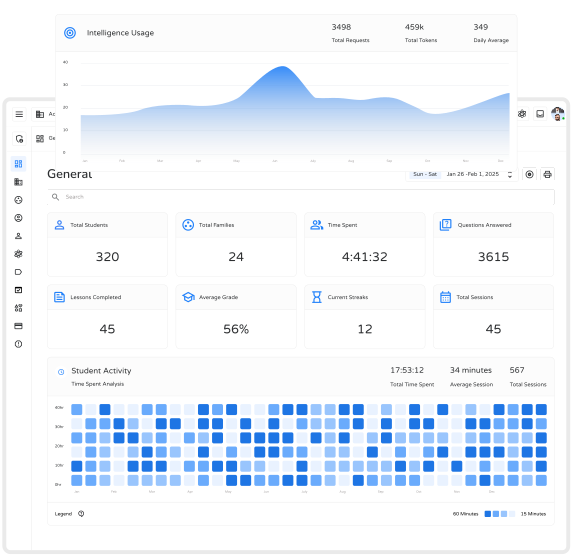
See live student performance, attendance, and enrollment at a glance.

Keep your institution's identity consistent across every surface.

Manage roles, permissions, and assignments for every team member.

Generate on-demand insights tailored to classes, teachers, or schools.
Team member limits
Define how many staff and educators can be active across your institution.

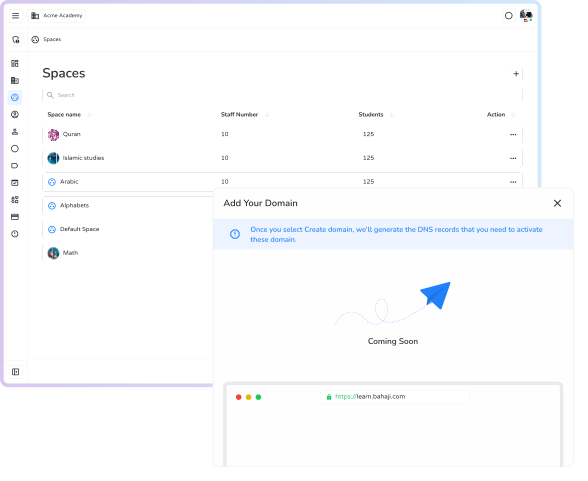
Spaces (classroom) limits
Create, assign, and manage classroom spaces without manual hassle.
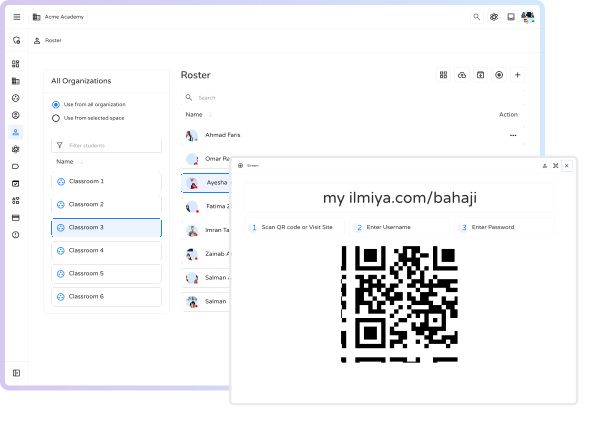
Roster management
Track and update student and staff rosters in real time, automatically.
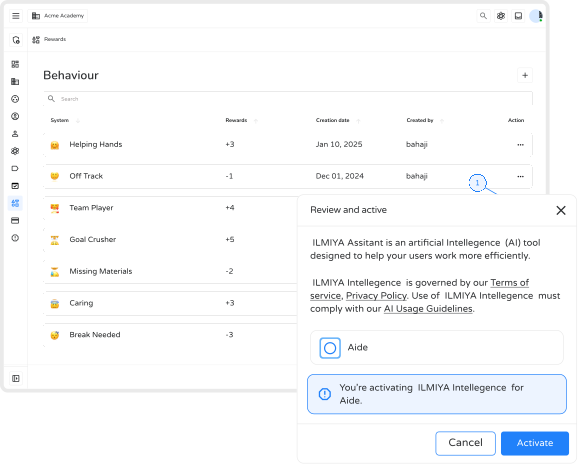
Custom behaviors
Set your own workflows and automations tailored to your school's needs.
Tag and organize resources, roles, and classrooms with smart labels.
Access analytics that highlight trends across teams, classes, and performance.
Stay compliant with automatic logging of every key action across your institution.
Set access levels so every member has the right level of control — nothing more, nothing less.
Frequently asked questions
Some questions about Ilmiya are asked frequently. We've answered the most frequent of those frequent questions below.
Partner with Ilmiya
Let's build. Together.
Run your institution without the busywork. Admin handles the routine so your team can focus on what matters.