
Enrollment
Ilmiya simplifies the student enrollment process by allowing easy creation of usernames and passwords, while automatically generating email addresses to ensure accuracy and reduce manual work.
How to Enroll a New Student
Section titled “How to Enroll a New Student”- Click the ”+” icon on the right side of the screen.
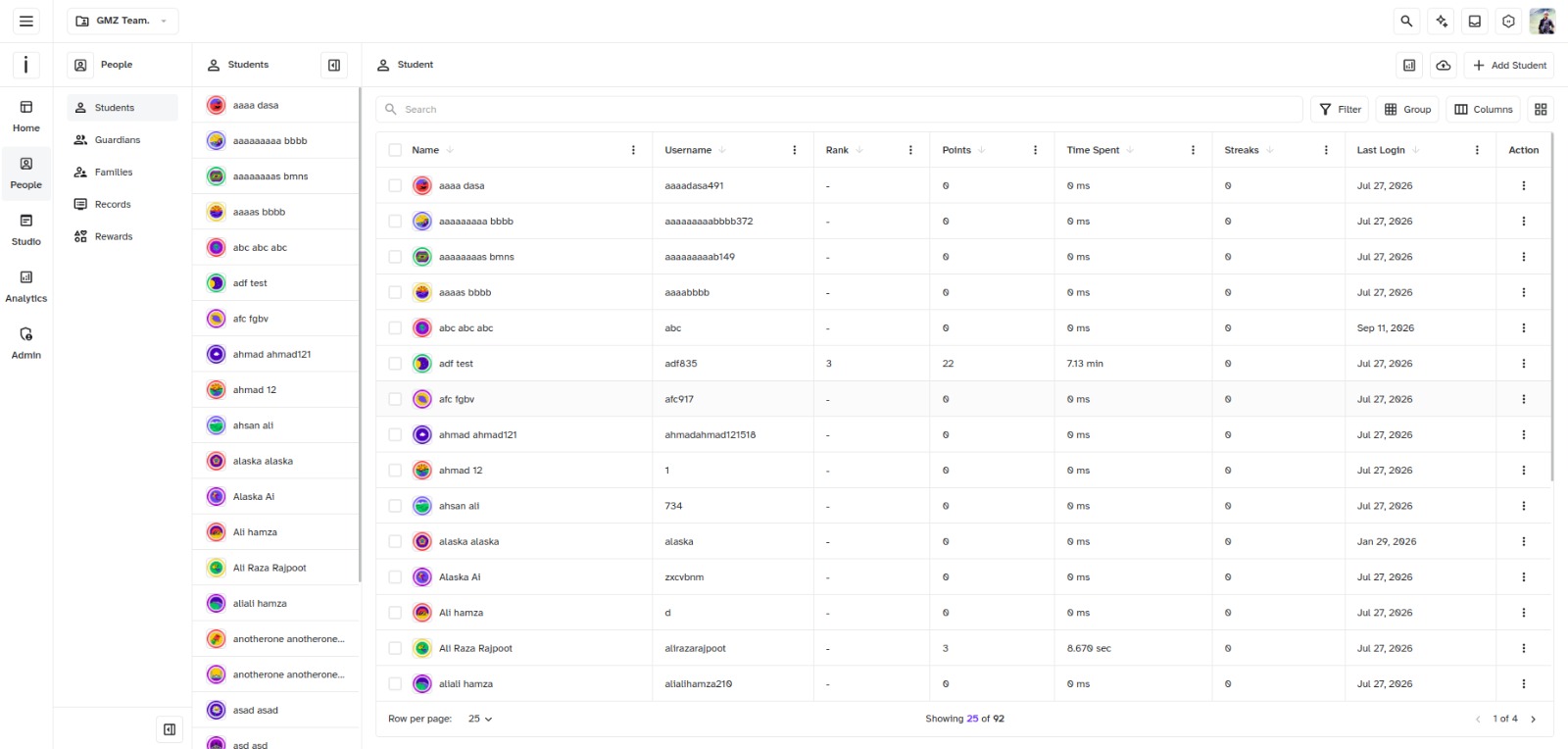
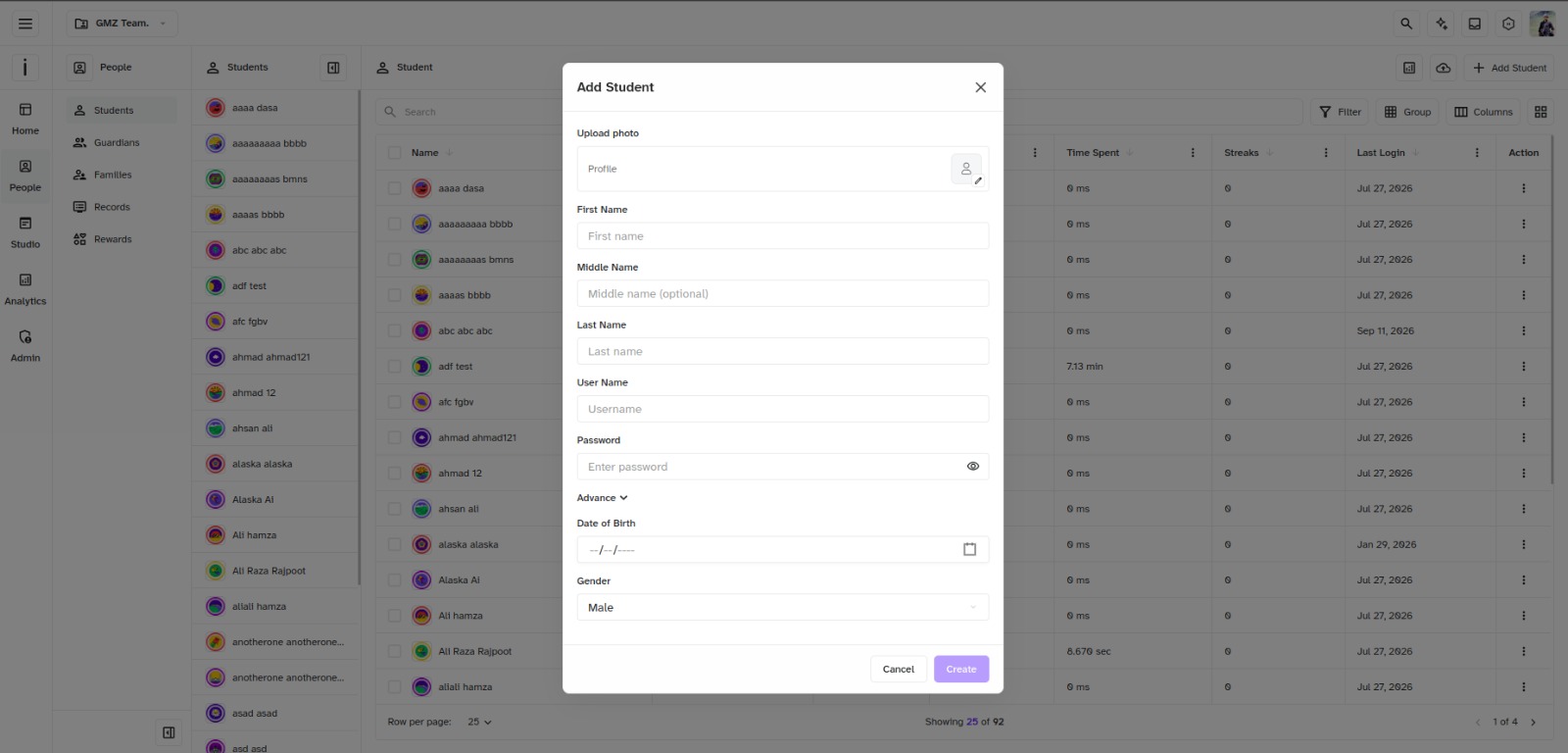
- Fill in required details such as name and username.
- Set a username and password.
- Review all information and click Create.
Advanced Features
Section titled “Advanced Features”Select the Advance option to specify the student’s date of birth and gender.
Advantages
Section titled “Advantages”- Quick and organized student onboarding
- Automatic email creation reduces manual work
- Secure username and password assignment
- Better student organization through labels and family links
- Scalable for growing institutions
- Centralized data for improved academic tracking
Ilmiya’s enrollment tools help institutions manage students efficiently and maintain a well-structured learning environment.
Loading Markdown…
Markdown could not load. or open the raw file.